
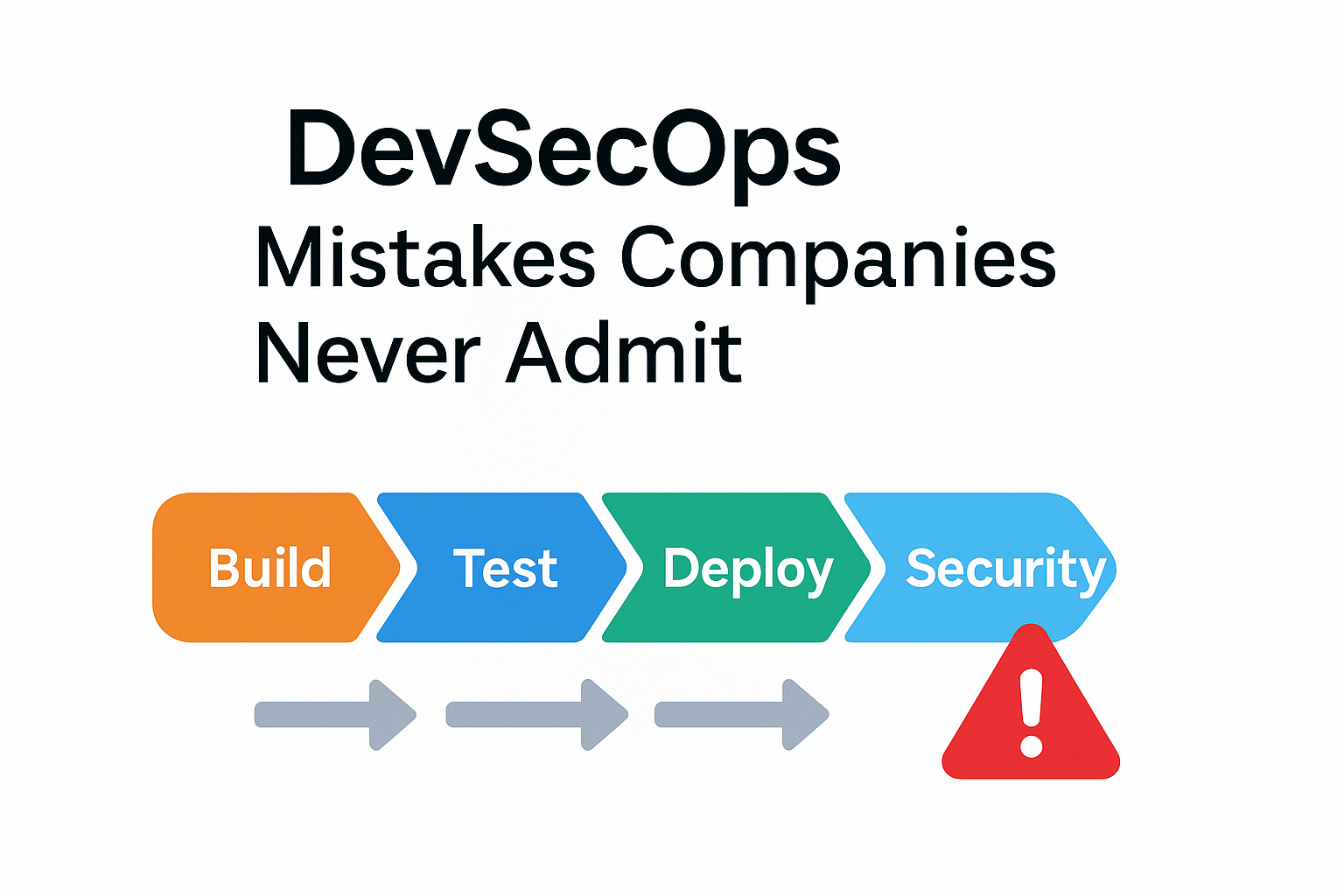
🚨 Introduction: The Dirty Secret of “Secure” Pipelines
Every company today says, “We do DevSecOps.”
But the truth? Most only pretend.
Security tools are integrated in name, but not in behavior.
Scans run without being enforced, reports are ignored, and secrets float across pipelines like unsecured luggage in an airport.
In real Indian enterprise environments — from financial firms to healthcare — security is often the first thing sacrificed when deadlines tighten.
This blog uncovers the mistakes no one talks about and how to fix them before they cost you data, reputation, or compliance.
🔐 Mistake 1: Scans Run, But Nobody Reads the Results
Scenario:
A fintech team proudly shows a Jenkins pipeline with SonarQube, NexusIQ, and Wiz scans. The dashboard says “Passed.”
But open the reports, and you’ll find hundreds of unresolved “Critical” issues.
What Really Happened:
The pipeline runs the scans but doesn’t enforce quality gates. Developers can merge code even if vulnerabilities exist.
Example Jenkinsfile snippet (Wrong way):
stage('SonarQube Scan') {
  steps {
    sh 'mvn sonar:sonar'
  }
}
There’s no check on quality status. The pipeline continues even if security gates fail.
✅ Fix it:
stage('SonarQube Quality Gate') {
  steps {
    timeout(time: 5, unit: 'MINUTES') {
      waitForQualityGate abortPipeline: true
    }
  }
}
This forces developers to address findings before merging.
Lesson:
A scan that doesn’t break the build isn’t protecting you — it’s just decoration.
🧬 Mistake 2: Secrets in Pipelines — The Silent Breach
Scenario:
A developer hardcodes API tokens in GitHub Actions or Jenkins credentials.
Months later, someone copies the same credential to test a different environment — and suddenly an external contractor has production access.
Real Example:
In a Mumbai-based healthcare analytics firm, a database password stored in a Jenkins “plain text” credential store was leaked via a shared backup.
It didn’t show up in any security scan — because you can’t scan stupidity.
✅ Fix it:
- Use HashiCorp Vault, AWS Secrets Manager, or Sealed Secrets for all credentials.
- Rotate secrets automatically on every deployment.
- Enforce secret scanning in repositories via Gitleaks or TruffleHog.
Code Example:
env:
  DB_PASSWORD: ${{ secrets.DB_PASSWORD }}
Never store or pass credentials directly through environment variables in plaintext.
🧱 Mistake 3: Dependency Scans Ignored Due to “False Positives”
Scenario:
Teams integrate dependency scanning tools (like Snyk, NexusIQ, or OWASP Dependency Check).
The first run detects 700 vulnerabilities — half are library transitive dependencies.
Developers mark them as “false positives” and move on.
What Actually Happens:
Critical CVEs stay in production for months. Attackers exploit known versions, while the DevSecOps team insists “it’s not exploitable in our context.”
✅ Fix it:
- Classify vulnerabilities by exploitability, not by convenience.
- Integrate automated dependency upgrade PRs via Dependabot or Renovate.
- Maintain a CVSS severity-based SLA:
- Critical → 3 days
- High → 7 days
- Medium → 30 days
Remember: “False positive” is not an excuse — it’s an engineering debt.
⚙️ Mistake 4: Scanning Tools in Isolation
Scenario:
You have SonarQube for code, Wiz for container/IaC, and NexusIQ for dependencies — all in separate silos.
Security findings stay locked inside their own tools. Nobody aggregates or correlates results.
Impact:
Developers don’t see context. The same issue may appear across tools but with different IDs, causing confusion.
CISO teams can’t prioritize what actually affects production.
✅ Fix it:
- Aggregate all results into a central dashboard (e.g., DefectDojo, Jira integration, or custom ELK dashboard).
- Map findings by microservice or repo.
- Generate unified vulnerability reports per release.
Visual Tip:
Add a “Security Debt” column in your sprint board showing open vulnerabilities per service.
This creates ownership.
🔥 Mistake 5: DevSecOps is Treated as a Tool, Not a Culture
Scenario:
Management buys expensive tools: Wiz, Sonatype, Snyk, Prisma Cloud.
Developers get an email: “Integrate this into your pipeline.”
No one explains the why, or trains teams on interpreting results.
Security becomes a compliance checkbox instead of a shared responsibility.
✅ Fix it:
- Conduct DevSecOps awareness workshops for all developers.
- Shift ownership: make each squad responsible for their own vulnerabilities.
- Celebrate security wins — treat it like performance optimization, not punishment.
Culture Metric:
The moment developers start fixing vulnerabilities without being told, your DevSecOps has matured.
🧩 Mistake 6: No Security Testing Beyond the Pipeline
Scenario:
Pipelines scan code, but running applications aren’t tested post-deployment.
Attackers don’t care about your build reports — they attack your live endpoints.
✅ Fix it:
- Run regular Dynamic Application Security Testing (DAST) and API fuzzing.
- Integrate OWASP ZAP, Burp Suite, or Astra scans into your nightly builds.
- Include post-deployment smoke tests that validate CSP headers, TLS, and authentication boundaries.
zap-cli quick-scan --self-contained --start-options '-config api.disablekey=true' https://yourapp.com
Security doesn’t end when the build passes — it begins there.
⚡ Real-World Example: The Audit That Failed
A mid-size fintech in Bangalore failed an ISO 27001 audit because:
- Jenkins had hardcoded AWS keys.
- The Wiz scan was only running weekly.
- Developers had “admin” roles in Sonatype Nexus.
When asked why, the DevOps lead said:
“We didn’t have time to automate security.”
The irony? The company lost three major clients due to non-compliance.
Security debt is real business debt.
🧰 DevSecOps Fix Checklist
| Area | Problem | Fix |
|---|---|---|
| Code Scanning | Reports ignored | Enforce quality gates |
| Secrets | Stored in plain text | Vault / AWS Secrets Manager |
| Dependencies | Ignored due to noise | CVSS-based SLAs + auto updates |
| Visibility | Siloed tools | Centralized dashboard |
| Culture | Treated as compliance | Shared ownership |
| Runtime Security | Ignored post-deploy | DAST + fuzzing integrated |
🧠 Key Takeaways
- DevSecOps is not about buying tools — it’s about enforcing security as code.
- A pipeline that doesn’t break on vulnerabilities isn’t DevSecOps, it’s DevOops.
- Treat vulnerabilities like broken builds — fix them, don’t file them.
- Train developers. Automate everything else.
🧩 Conclusion: Build Security Like You Build Code
DevSecOps isn’t a buzzword — it’s a promise.
A promise that security will evolve with your code, not lag behind it.
Companies that ignore these silent mistakes are not just risking systems; they’re risking trust.
Fix your pipelines. Enforce your gates.
Because when the next breach happens, you won’t lose just data — you’ll lose credibility.