
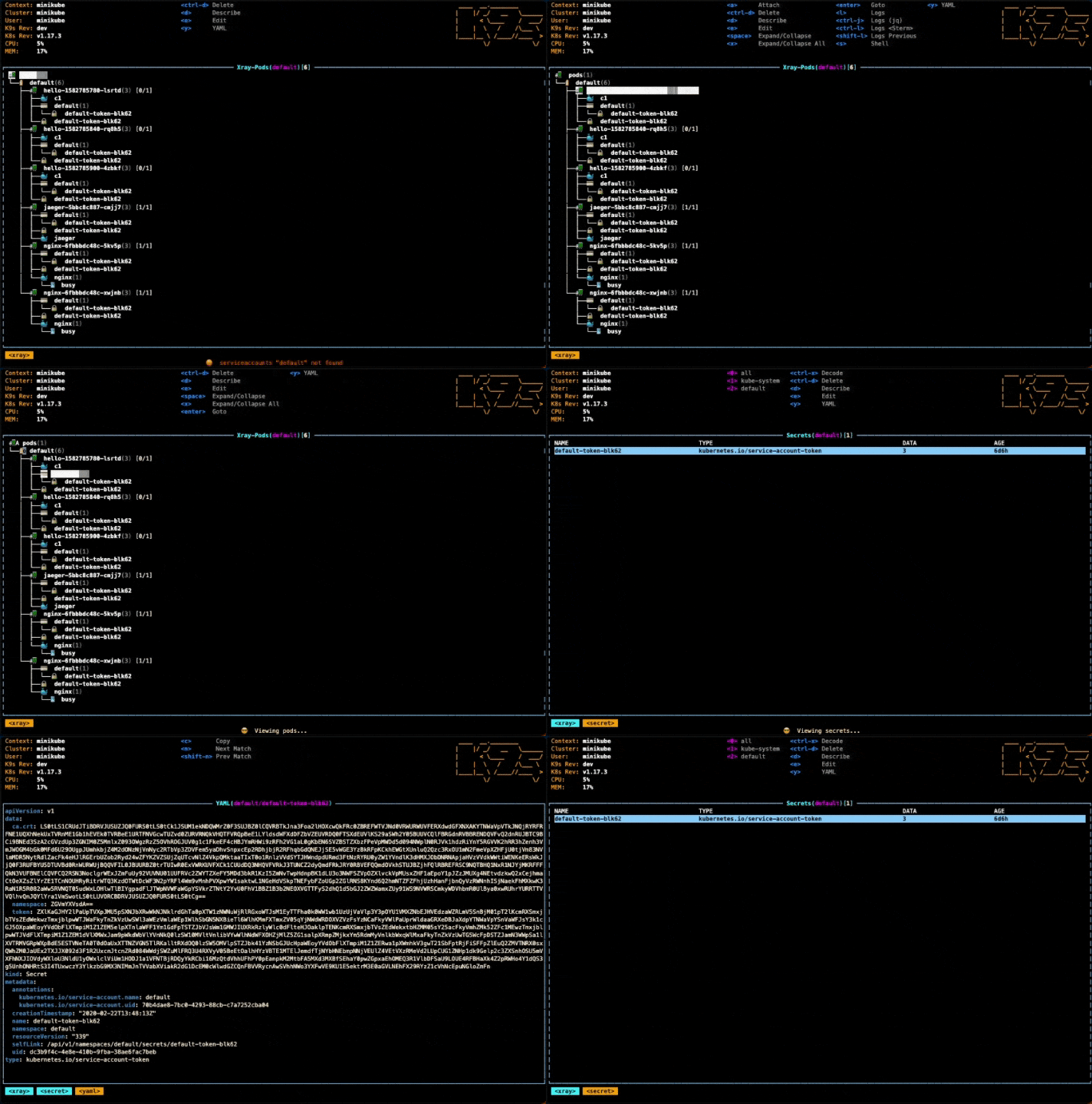
Managing Kubernetes efficiently often comes down to knowing the right commands at the right time. Whether you’re debugging a pod, managing services, or deploying applications, this cheat sheet will become your go-to reference. Let’s break it down section by section with detailed explanations! 📘
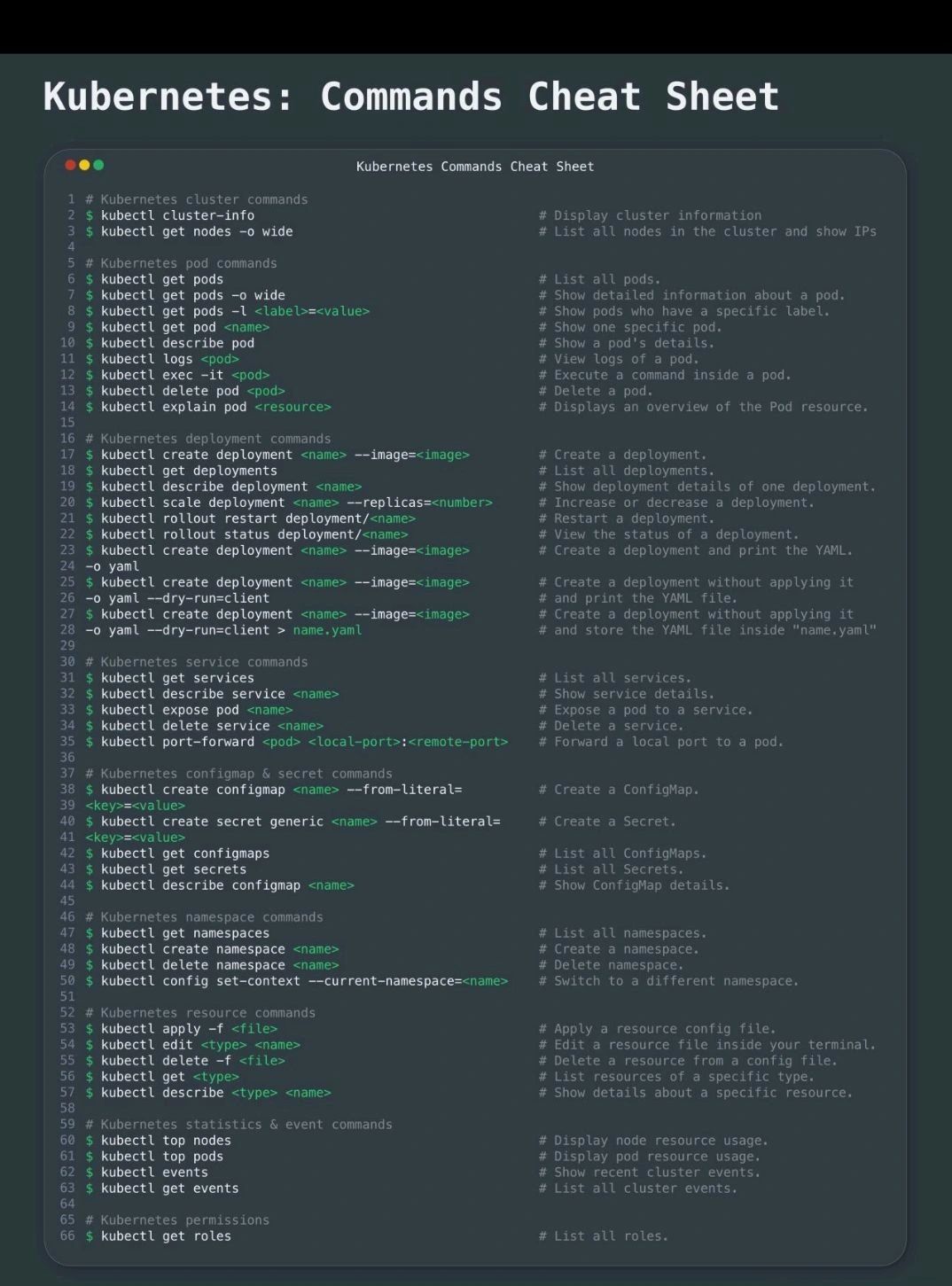
📡 Kubernetes Cluster Commands
🔧 These commands help you inspect your cluster and node status.
kubectl cluster-info
👉 Displays the control plane and DNS info.
kubectl get nodes -o wide
👉 Lists all nodes with additional details like internal IPs and OS info.
🐳 Kubernetes Pod Commands
Pods are the smallest deployable units. Here’s how to interact with them:
kubectl get pods
kubectl get pods -o wide
kubectl get pods -l <label>=<value>
📌 View all pods, detailed info, or filtered by labels.
kubectl describe pod <name>
kubectl get pod <name>
kubectl logs <pod>
kubectl exec -it <pod> -- /bin/bash
🔍 Inspect pod status, logs, or exec into a container for troubleshooting.
kubectl delete pod <name>
kubectl explain pod
🗑️ Delete or get detailed help about the pod spec.
🚀 Deployment Commands
Deployments manage pod replicas and rollout strategies:
kubectl create deployment <name> --image=<image>
kubectl get deployments
kubectl describe deployment <name>
kubectl scale deployment <name> --replicas=<number>
kubectl rollout restart deployment/<name>
kubectl rollout status deployment/<name>
💡 Scale, inspect, or restart a deployment easily.
For YAML generation:
kubectl create deployment <name> --image=<image> -o yaml
kubectl create deployment <name> --image=<image> --dry-run=client
kubectl create deployment <name> --image=<image> --dry-run=client -o yaml > name.yaml
📝 Use dry-run to test configs before applying them.
🌐 Kubernetes Service Commands
Manage communication between components:
kubectl get services
kubectl describe service <name>
kubectl expose pod <name>
kubectl delete service <name>
kubectl port-forward <pod> <local-port>:<remote-port>
🌐 Expose your apps or forward ports for local testing.
🔐 ConfigMap & Secret Commands
Use these to externalize configs securely:
kubectl create configmap <name> --from-literal=<key>=<value>
kubectl create secret generic <name> --from-literal=<key>=<value>
kubectl get configmaps
kubectl get secrets
kubectl describe configmap <name>
🔐 Securely store sensitive info and configs.
🏷️ Namespace Commands
Namespaces help organize resources:
kubectl get namespaces
kubectl create namespace <name>
kubectl delete namespace <name>
kubectl config set-context --current --namespace=<name>
📂 Switch between environments like dev, prod, etc.
📄 Resource Management Commands
Use these to apply, edit, or delete configurations:
kubectl apply -f <file>
kubectl edit <type> <name>
kubectl delete -f <file>
kubectl get <type>
kubectl describe <type> <name>
✏️ Perfect for CI/CD workflows or manual ops.
📊 Statistics & Events
Diagnose and monitor your cluster:
kubectl top nodes
kubectl top pods
kubectl events
kubectl get events
📈 Great for spotting memory leaks, CPU spikes, or failed deployments.
🔐 Kubernetes Permissions
kubectl get roles
👮 Use this to view RBAC roles and access controls.